


To join two tables in SQL, you’ll use a JOIN clause. This powerful command combines rows from different tables based on a related column, like a CustomerID or OrderID. For business owners and operators, this isn't just a technical trick; it's the fundamental step to move beyond separate spreadsheets and create a single, unified view of your business information.
Why Connecting Your Business Data Is a Game Changer
Are you staring at separate spreadsheets for sales data and customer details, feeling like you're missing the full picture? This isn’t just an annoyance; it’s a real barrier to growth that nearly every small and medium-sized business (SMB) operator faces. When your data lives in separate silos, answering even simple questions like "Who are my most profitable customers?" becomes a time-consuming, manual chore.
This is the exact pain point that learning how to join two tables in SQL solves. It’s your first major step away from Excel chaos and toward genuine clarity.
Moving Beyond Manual VLOOKUPs
Let's consider a classic business scenario. You have an invoice list in one file and a customer contact list in another. To figure out which customers are your biggest spenders, you’d probably have to resort to a painstaking VLOOKUP or XLOOKUP in Excel, manually matching names or IDs one by one. This process is not only slow but also prone to errors that can lead to costly decisions.
A SQL JOIN completely automates this. It functions like a super-powered VLOOKUP, but instead of being a clunky, one-off task, it’s a clean, repeatable command that connects your data sources at their very core. This simple concept is also foundational for building meaningful reports in powerful tools like Power BI.
Joining tables isn't just a technical exercise for developers; it's a strategic tool for founders and operators to get clear, fast answers from their data. It transforms fragmented information into a powerful asset for data-driven decision making.
Once you connect these datasets, you can instantly see the whole story. You’ll be able to identify:
- Which customers are making the most frequent purchases.
- Which marketing channels are bringing in the most valuable clients.
- Which products are most often bought together, revealing cross-selling opportunities.
This ability to connect the dots is what separates businesses that merely react from those that truly lead.
The Four Essential SQL Joins For Smarter Business Reporting

When you're trying to combine data from two different tables in SQL, you don't need to memorize a laundry list of complex commands. You just need to get familiar with four core JOIN types. Each one answers a different kind of business question, turning raw data into a report that actually makes sense.
Let's cut through the jargon and focus on what each JOIN actually does for your business.
These commands are the bedrock of relational databases, which have been the standard since the 1980s and are used by over 90% of enterprises today. A JOIN works by linking two tables using a related column, like a shared CustomerID or ProductID. If you want to dive deeper into the history, resources like the guides on W3Schools offer classic examples.
Find Perfect Matches With INNER JOIN
The INNER JOIN is your workhorse for finding the sweet spot where two datasets overlap. Think of it as a Venn diagram—it only returns rows that have a perfect match in both tables.
- Business Question: "Show me only the customers who have actually placed an order."
- Result: You get a clean list of active, paying customers. It filters out anyone in your customer list who hasn't bought anything yet. This is perfect for analyzing the behavior of your confirmed buyers.
An INNER JOIN is all about precision. It helps you cut through the noise to analyze the overlapping data that's crucial for specific financial or sales reports.
See The Full Picture With LEFT JOIN
For most business operations, a LEFT JOIN is where the real insights are hiding. It gives you everything from your first (the "left") table, plus any matching data it finds in the second one.
- Business Question: "Give me a list of all my products and show me which ones have sold."
- Result: You'll get a report listing every single product. If a product has sold, you'll see the order details next to it. If it hasn't, you'll see a blank or
NULLvalue instead.
This is an incredibly powerful way to spot non-performing inventory or, when used with customer data, find clients who haven't made a purchase in a while.
Key Takeaway: A
LEFT JOINis one of the most useful tools for any business operator. It helps you spot gaps and opportunities—like customers who need a follow-up call or products that need a marketing push—by showing you what's missing in your data.
To make it even easier to choose, here's a quick cheat sheet for picking the right JOIN based on the question you're asking.
Which SQL Join Should You Use? A Cheat Sheet for SMBs
| Business Question | Recommended Join | Simple Explanation |
|---|---|---|
| "Show me customers AND their orders." | INNER JOIN | Returns only records that exist in both tables. |
| "Show me ALL customers, and their orders if they have any." | LEFT JOIN | Returns all records from the first (left) table, plus matches from the right. |
| "Show me all orders, and which customers placed them." | RIGHT JOIN | Returns all records from the second (right) table, plus matches from the left. |
| "Show me all customers and all orders, matched or not." | FULL OUTER JOIN | Returns all records from both tables, combining them where possible. |
This table should help you quickly map your business needs to the correct SQL syntax, saving you a ton of time and guesswork.
Other Essential Joins
While INNER and LEFT joins will handle most of your day-to-day reporting needs, there are two others that complete the set and are good to have in your back pocket.
- RIGHT JOIN: This is simply the mirror image of a
LEFT JOIN. It returns all records from the second ("right") table and any matching records from the left. It’s less common in practice, but can be useful for specific scenarios, like seeing all orders and which customers placed them (including orders from guest checkouts that might not have a customer record). - FULL OUTER JOIN: This join gives you everything. It returns all rows from both tables, matching them up where possible and showing
NULLwhere there's no corresponding data on either side. Think of it as the ultimate master list for comparing two entire datasets.
A Real-World Walkthrough: Combining Customer and Order Data
Let's step away from the theory and look at a practical scenario every business faces. You have two key tables: one listing all your customers, the other listing all their orders. The goal is to bring them together to see the full picture. Who’s buying what, and who isn’t?
This is the perfect job for how to join two tables in SQL. Instead of wrestling with VLOOKUPs in a clunky spreadsheet, a simple JOIN gives you a clean, usable report in seconds.
Setting the Scene: Two Simple Tables
To get started, let’s picture our data. It’s pretty straightforward:
CustomersTable: A basic list with a uniqueCustomerIDfor each person and theirCustomerName.OrdersTable: A transaction log, where each row has anOrderID, theCustomerIDof the buyer, and theOrderDate.
The common thread linking these two tables is the CustomerID. This shared column is the bridge that allows SQL to match orders to the people who made them. Our mission is to build a single, master list that shows every customer and the dates of their orders.
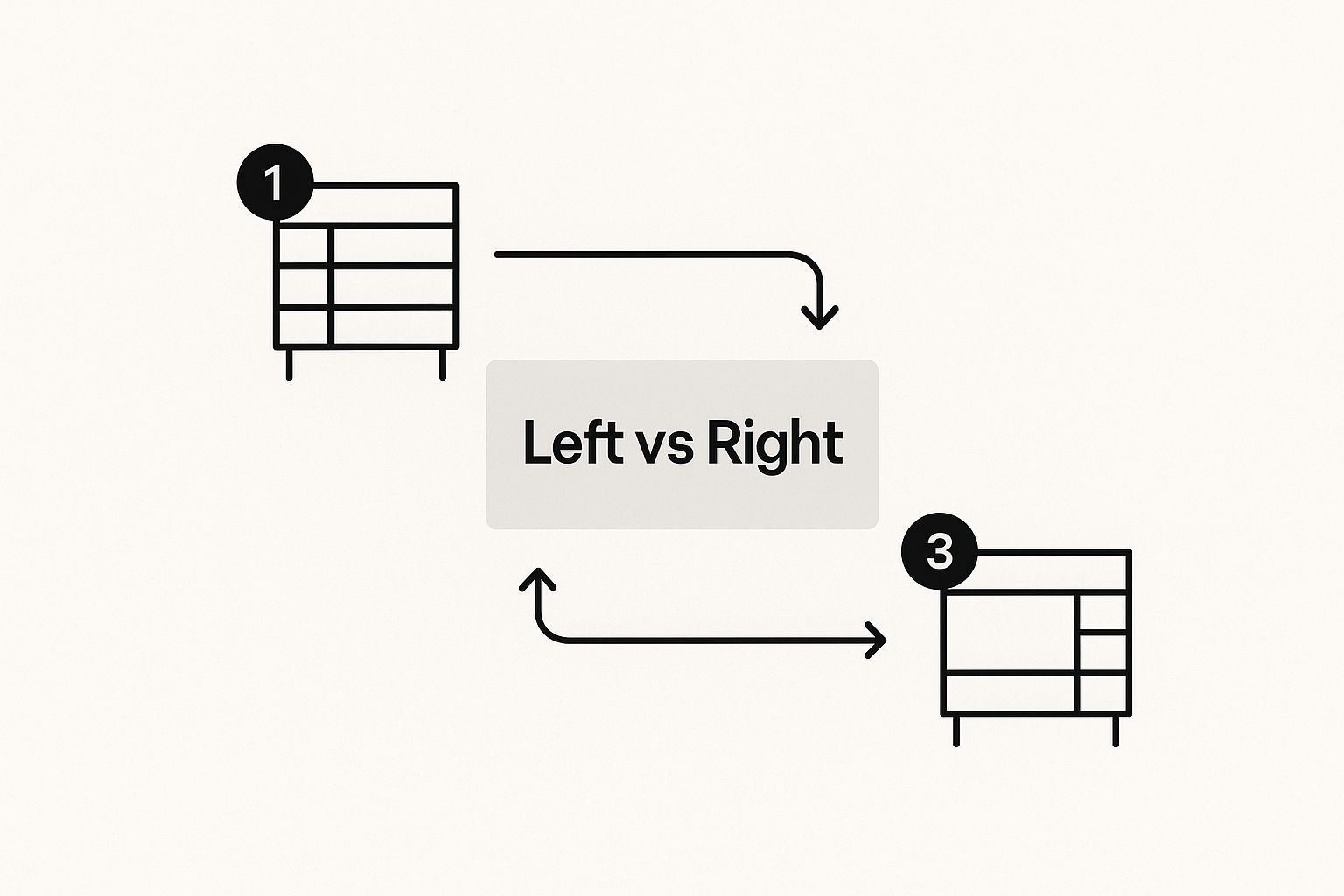
This visual really clarifies how a LEFT JOIN works. It’s all about which table you want to prioritize to make sure you get a complete list, even when the data doesn't perfectly align. As the infographic shows, it's all about deciding which table is your primary source of truth.
Writing the LEFT JOIN Query, Step-by-Step
For this task, we'll use a LEFT JOIN. Why? Because we want to see all our customers, including those who haven't placed an order yet. This is absolutely critical for finding your inactive customer base—a goldmine for any marketing team.
Here’s what the query looks like. Don't worry, it's simpler than it seems.
SELECT
    Customers.CustomerName,
    Orders.OrderDate
FROM
    Customers
LEFT JOIN
    Orders ON Customers.CustomerID = Orders.CustomerID;
Let's translate that into plain English:
SELECT Customers.CustomerName, Orders.OrderDate: "Show me the customer's name and their order date."FROM Customers: "Start with my main list, theCustomerstable."LEFT JOIN Orders: "Now, connect theOrderstable to my customer list."ON Customers.CustomerID = Orders.CustomerID: "Only connect rows where theCustomerIDis the same in both tables."
The result is a surprisingly powerful report. For customers with orders, you'll see their name next to the order date. For those who haven't bought anything, you'll see their name next to a blank or
NULLvalue. Instantly, you have a ready-made list for your next re-engagement campaign.
This one query replaces hours of manual data matching. It’s a direct path to uncovering valuable business insights hiding in your data and the first real step toward building automated, reliable reporting systems in tools like Power BI.
Going Beyond Two Tables to Connect Your Entire Business
Look, your business isn't just two spreadsheets. It's a complex web of interconnected data points: finance, operations, marketing, sales. While learning to join two tables in SQL is a fantastic first step, the real magic happens when you start connecting multiple data sources. This is how you build a single, unified view of your entire operation.
Imagine joining not just your Customers and Orders tables, but also bringing in your Products and Shipping data. A multi-table join like this lets you track a product's entire journey—from inventory levels and marketing costs all the way to a specific customer's doorstep and their final delivery status.
Building a Scalable Data Model
This is where SQL truly shines, leaving fragile, multi-sheet Excel models in the dust. Chaining multiple joins together creates a robust and scalable foundation for all your reporting.
Conceptually, a query to link these tables would flow something like this:
- First,
JOINyour Customers table to your Orders table onCustomerID. - Then,
JOINthat combined result to your Products table onProductID. - Finally,
JOINthat result to your Shipping table onOrderID.
This process creates a comprehensive dataset that can answer seriously complex business questions. Think about asking something like, "What is the total revenue from customers in London who purchased our highest-margin product and received it on time?" That’s the kind of insight that drives real strategy, not just day-to-day reactions.
A well-structured data model using multiple joins is the backbone of trustworthy business intelligence. It’s what allows you to move from asking simple questions to uncovering strategic insights about your operations.
Thankfully, you don't have to write these complex queries by hand every single day. Modern BI platforms like Power BI are designed to handle these relationships behind the scenes once you set them up correctly.
However, understanding the logic of multi-table joins is absolutely critical if you want to build a reporting system you can actually trust. This knowledge elevates a simple technical task into a true strategic capability for your business.
Real-world business intelligence almost always relies on combining data from many different sources. It’s standard practice to join three, four, or even more tables—like Customers, Orders, and Shipping—to get the full picture. This skill is vital, especially when you consider that modern databases often handle trillions of records daily.
To see how the experts tackle these large-scale operations, you can explore detailed tutorials on multi-join strategies.
Automate Your Reporting and Finally Trust Your Data
Figuring out how to join two tables in SQL is a fantastic first step. But the real game-changer for a busy founder or operator is building an automated system that does all the heavy lifting for you. This frees you up to actually run your business, not spend your days wrestling with data.
This is where a dedicated business intelligence strategy makes all the difference.
Instead of manually running queries every time you need a report, picture this: a live dashboard in Power BI that automatically joins, updates, and visualizes all your critical data. At Vizule, this is what we do. We help small and medium-sized businesses connect these disparate data sources for good, building the data pipelines that ensure you always have a single source of truth.
By automating how your data is joined and presented, you shift from reactive data pulls to proactive, insight-led decision-making. The goal isn't just to get the data; it's to make reporting effortless.
This is how you bridge the gap between technical skill and strategic power. It's how you can truly supercharge your business intelligence for finance and operations, giving you back your most valuable asset: time.
Want to automate your reporting and finally trust your data? Book your free BI consultation with our BI consultants today.
Frequently Asked Questions About SQL Joins
As you dive into joining tables in SQL, a few common questions always seem to pop up. Here are some straightforward answers to the ones we hear most often from business owners and operators trying to get a handle on their data.
Can I Join Tables Without a Common Column Name?
Absolutely. The column names themselves don't have to match perfectly. What truly matters is the data inside them and whether it's related. For instance, you could easily join a Customers table on a column named Cust_ID to an Orders table using a column named CustomerID.
As long as the values in these columns correspond to each other (like customer #101 in both tables), SQL can make the connection and pull the right information together.
What Is the Difference Between ON and WHERE?
This is a great question that often trips people up. Think of ON as the fundamental rule for connecting your tables. It tells SQL how the rows are related in the first place, like ON Customers.ID = Orders.CustomerID. This is the handshake between the tables.
The WHERE clause, on the other hand, is a filter you apply after that connection has been made. You use ON to build the bridge and WHERE to decide what traffic gets to cross it, like WHERE Orders.Status = 'Shipped'.
Is It Bad to Join Many Tables in One Query?
Not at all. In fact, this is where the real power of SQL shines. Joining multiple tables—say, Customers, Orders, and Products—is how you start to get a complete, 360-degree view of what's happening in your business. This is the exact technique used to build sophisticated views for things like financial modelling, which can answer incredibly complex questions.
The only catch is that queries with many joins can sometimes get sluggish. This is where a well-designed data model, perhaps in a tool like Power BI, becomes essential. It can handle these complex relationships efficiently behind the scenes without slowing you down.
Key Takeaway: The ability to join tables isn't just for database admins anymore. With over 70% of AI and machine learning projects relying on relational data accessed through SQL, mastering joins has become a crucial skill for anyone wanting to truly understand their business performance. You can read more about why SQL proficiency is vital for developers and data scientists on NuCamp.
Getting comfortable with these concepts will help you build much more precise and effective reports, turning raw data into a reliable source for your next big strategic move.
Ready to move beyond manual queries and build an automated reporting system you can finally trust? Vizule can help you connect your data, create dynamic dashboards in Power BI, and unlock the insights needed to scale your business.


