


Are you a founder or SMB operator stuck in 'Excel hell'? Juggling disconnected spreadsheets for cash flow forecasting, budgeting, and performance reporting is a time-consuming struggle that puts your decision-making at risk. You know you need a more robust, scalable solution, but dedicated FP&A platforms often come with enterprise-level price tags. The good news is that a powerful ecosystem of free financial modeling software exists to help you automate reporting and gain clear visibility into your business drivers.
This guide cuts through the noise, evaluating the 12 best free tools, from collaborative cloud spreadsheets to code-driven analytics environments. We’ll help you choose the right one to align your finance and operations, build a reliable forecasting model, and finally start making insight-led decisions. Adopting the right software is just the first step; to ensure your models are accurate and reliable, it's crucial to also adopt core financial modeling best practices.
We'll analyze each tool's ideal use case, its practical limitations for a growing business, and how it fits into a modern, automated data stack. Each entry includes screenshots and direct links, giving you everything needed to move beyond manual data wrangling and start scaling smart.
1. Google Sheets
Google Sheets is a powerhouse of collaborative financial modeling, offering a robust, cloud-native spreadsheet solution that is completely free for individual users. Its key advantage is its zero-install accessibility, allowing teams to build, share, and edit complex models in real-time from any browser. For a founder trying to align finance and ops, this means you can work on the same cash flow reporting document as your bookkeeper or co-founder simultaneously, eliminating version control chaos. This makes it an exceptional choice for distributed teams that need to collaborate on financial planning and analysis (FP&A) without managing local files.
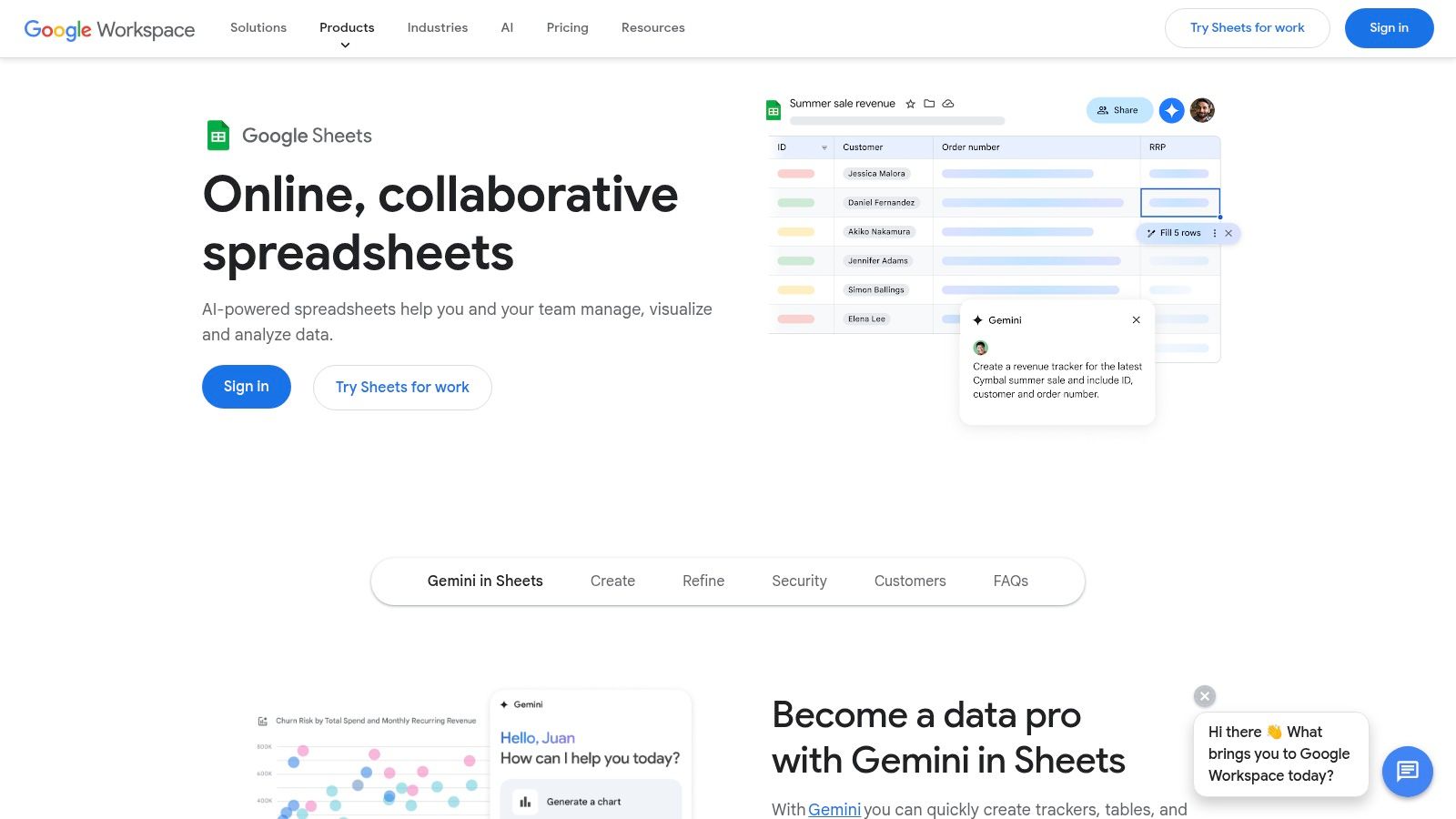
While Sheets is excellent for many standard modeling tasks, its true potential as a free financial modeling software is unlocked through its ecosystem. Users can leverage a vast library of add-ons and automate workflows using Google Apps Script. For those following structured modeling techniques, understanding best practices in financial modeling can significantly enhance the reliability and scalability of your Sheets-based models.
Key Considerations & Limitations
While the core functionality is free and powerful, some advanced features like direct connectivity to data warehouses via Connected Sheets and sophisticated AI assistance are reserved for paid Google Workspace plans. Furthermore, business owners accustomed to highly complex macros or very specific features in Excel may find Sheets has a different approach or certain limitations on model size and calculation complexity, which can become a bottleneck as the business scales.
Website: https://workspace.google.com/products/sheets/
2. Google Workspace Marketplace (Sheets add‑ons)
The Google Workspace Marketplace transforms Google Sheets from a standard spreadsheet tool into a specialized platform for financial modeling. It acts as a secure, curated app store, allowing you to install powerful add-ons that directly integrate into the Sheets interface. For finance professionals, this means you can extend Sheets with dedicated connectors for market data, foreign exchange rates, or even accounting software with a single click. This is a practical way for SMBs to start automating their reporting stack by pulling live data directly into their models, solving the pain point of manual data entry.
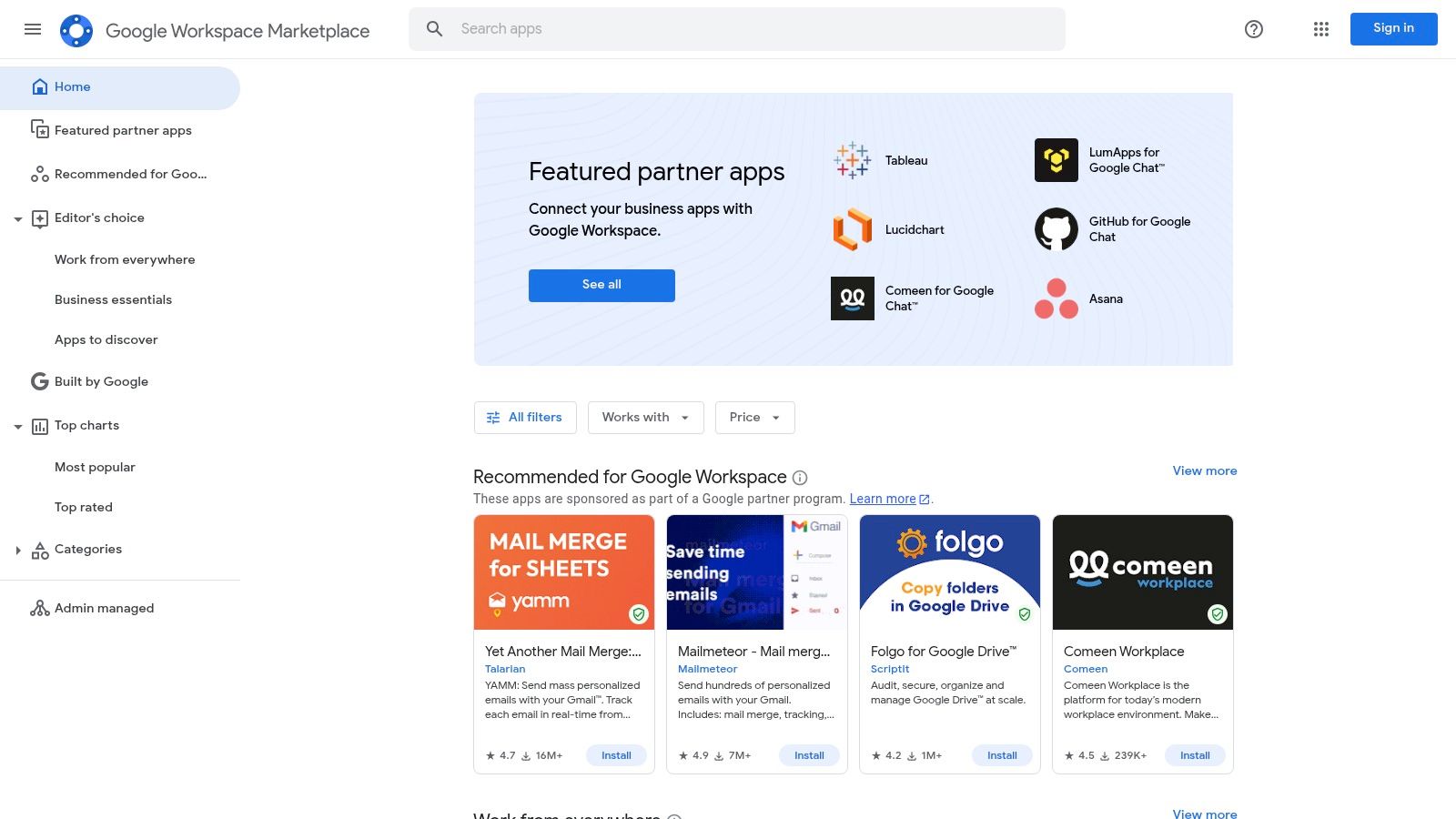
This marketplace is a key part of what makes Sheets a viable option for free financial modeling software, as it bridges functionality gaps compared to desktop applications. You can find free and freemium add-ons like Financial Modeling Prep for stock data or Supermetrics for marketing and sales data, pulling live information directly into your models. This ability to connect disparate data sources is fundamental to creating the unified, automated reporting that helps businesses scale effectively.
Key Considerations & Limitations
While the marketplace itself is free to browse and many add-ons have free tiers, the model can be deceptive. Many of the most powerful connectors require separate paid subscriptions or API keys from the third-party vendor to unlock full functionality. Furthermore, the quality and support for these add-ons vary significantly between publishers, so it's crucial for a busy operator to review user ratings and understand the vendor's data policies before integrating one into a critical forecasting model.
Website: https://workspace.google.com/marketplace
3. Microsoft AppSource (Office/Excel add‑ins)
For the millions of businesses already running on Excel, Microsoft AppSource is a powerful extension that transforms it from a standalone spreadsheet tool into a customizable financial modeling platform. Rather than being a separate software, it is the official marketplace where users can discover and install a vast array of free and paid add-ins directly within Excel. This allows finance teams to augment their existing workflows with specialized tools for scenario analysis, data integration, and process automation without leaving their primary modeling environment. Think of it as a trusted, centralized hub for enhancing Excel’s native capabilities.
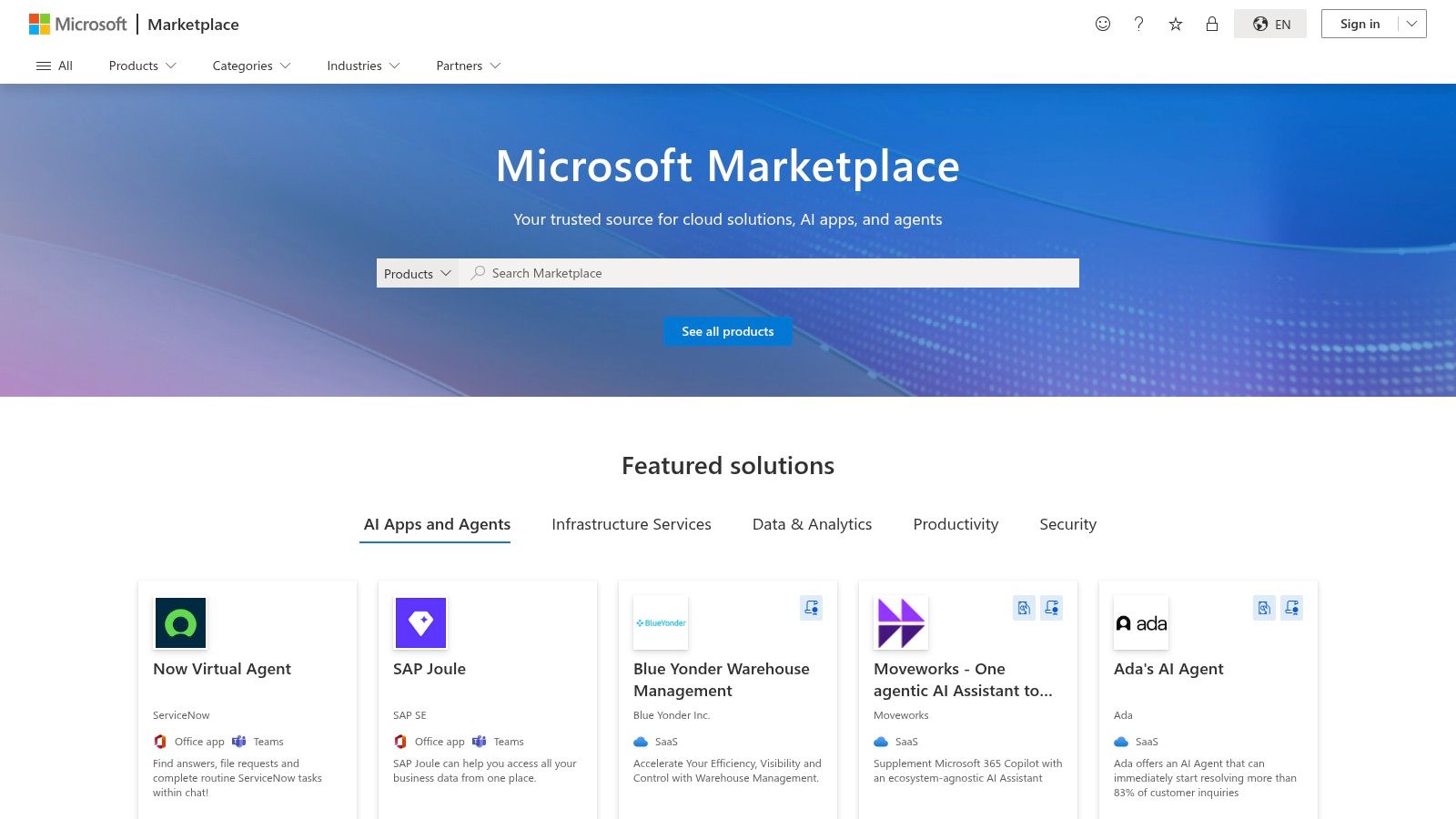
The key advantage of using AppSource is the seamless integration and simple deployment process, which is managed directly from the Excel ribbon. This makes it an ideal source of free financial modeling software components that can solve specific pain points, from automating formatting to pulling in live data from external sources like a CRM. For finance teams looking to enhance their analytical capabilities, integrating these add-ins while adhering to structured modeling principles is crucial. Incorporating these tools effectively often aligns with broader FP&A best practices that emphasize efficiency and scalability in financial reporting.
Key Considerations & Limitations
While AppSource provides access to many high-quality free utilities, the marketplace is vast, and the quality of add-ins can vary significantly. Users must carefully review descriptions and user ratings to find reliable tools. Additionally, some add-ins marketed as "free" are actually freemium or limited-time trials, requiring a paid subscription for full functionality. Compatibility can also be a concern for businesses with mixed environments, as not all add‑ins work across every version of Excel (desktop, web, and Mac).
Website: https://appsource.microsoft.com/
4. LibreOffice Calc
For businesses seeking a completely free, open-source, and offline desktop application, LibreOffice Calc is a formidable contender. As a core component of the LibreOffice suite, Calc provides a familiar spreadsheet interface that runs natively on Windows, macOS, and Linux, making it a truly cross-platform solution. Its key strength lies in its ability to operate entirely offline, providing security and accessibility for founders who prefer not to rely on cloud-based services for sensitive financial data. The software is robust enough for building classic three-statement models, DCF analyses, and complex driver-based forecasts without any subscription or license fees.
LibreOffice Calc stands out as a powerful free financial modeling software due to its built-in advanced tools like the Scenario Manager for what-if analysis and a Solver component for optimization problems. These features, often found in premium software, are available out-of-the-box. Furthermore, its ability to read and write Microsoft Excel file formats (.xlsx) ensures a high degree of compatibility when collaborating with stakeholders who use Excel, although some complex macros may require adjustments.
Key Considerations & Limitations
While LibreOffice Calc is an excellent no-cost alternative to Excel, users should be aware of some differences. The user interface, while functional, may feel less modern to those accustomed to Microsoft 365 or Google Workspace. Critically, some Excel-specific VBA macros and highly advanced functions may not translate perfectly, potentially requiring manual rework. Its lack of native real-time collaboration also makes it less suitable for teams that need to work on a forecasting model at the same time.
Website: https://www.libreoffice.org/discover/calc/
5. Rows
Rows is a modern, web-native spreadsheet designed for teams that need to connect their models directly to live business data. Its perpetual Free plan makes it an excellent entry point for lightweight financial planning, especially when your models rely on inputs from services like Stripe, Salesforce, or HubSpot. The platform's standout feature is its built-in integrations, which allow users to pull data from APIs and other SaaS tools without writing code, automating data collection for KPI dashboards and operational models. This directly addresses the pain of manual data exports and helps create a single source of truth for reporting.
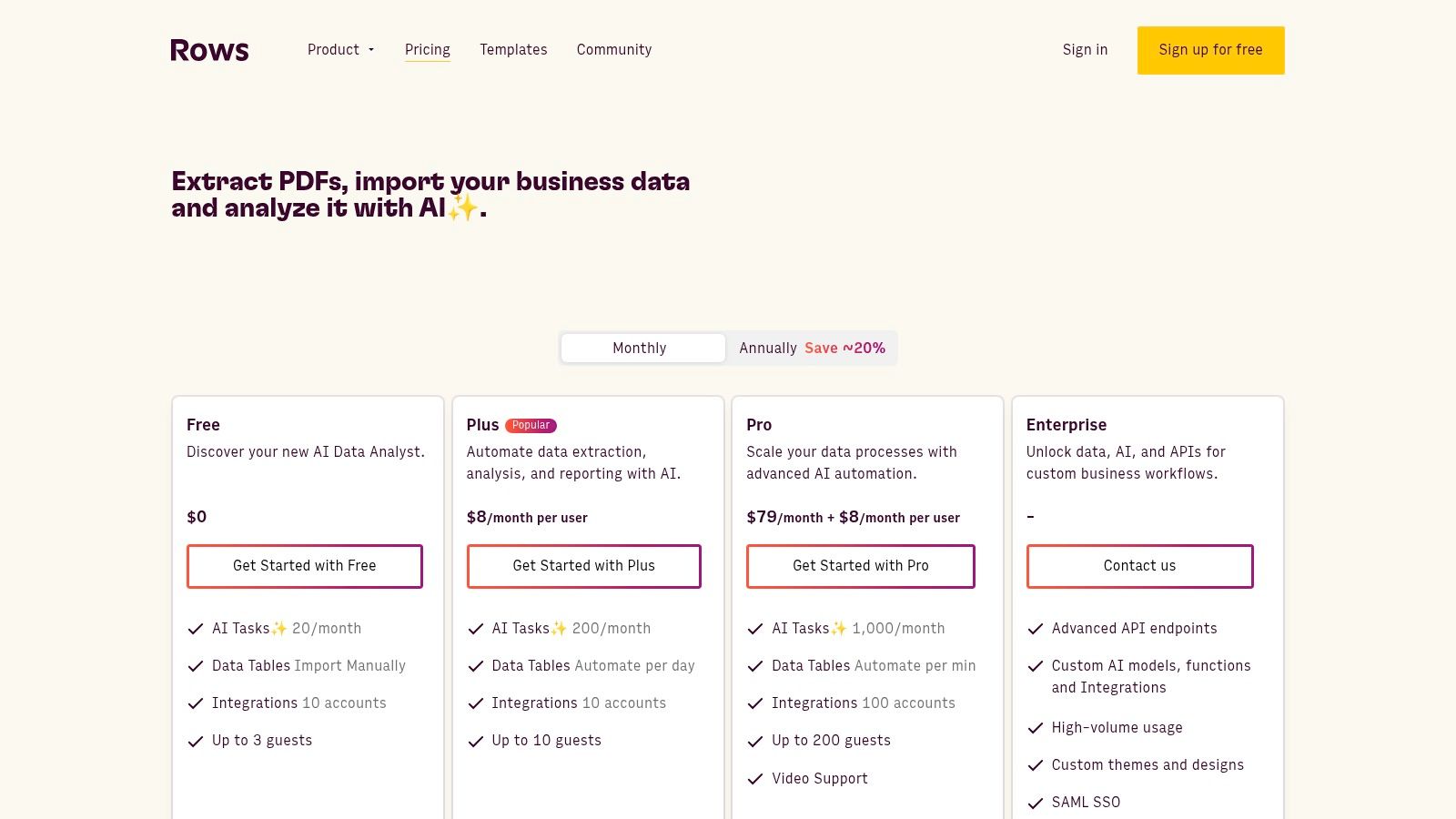
This web-first approach makes Rows a unique piece of free financial modeling software for scenarios where the output needs to be published or shared. Users can easily create interactive charts and tables from their models and embed them directly into websites or presentations. This functionality is ideal for sharing live investor updates or department-level KPI dashboards with stakeholders, ensuring everyone sees the most up-to-date information without manual exports.
Key Considerations & Limitations
While the Free plan is generous with unlimited spreadsheets, it has important limitations for a growing business. API calls and integration usage are capped, which may be insufficient for high-frequency data refreshes. Users will also encounter import size limits and find that more advanced features are reserved for paid tiers. It excels at connected, presentation-layer modeling but may not replace a tool like Excel or Google Sheets for heavy-duty financial statement modeling.
Website: https://rows.com/pricing
6. Grist
Grist stands out as an open-source, relational spreadsheet that functions more like a database, making it a unique tool for specific financial modeling tasks. It excels at creating structured inputs, driver tables, and auditable data collection workflows. For a founder trying to build a scalable process, its hybrid nature is perfect for managing the datasets that underpin a model, such as assumption lists or historical data, where data integrity is critical. The platform’s design around relational tables ensures that data remains organized, reducing the copy-paste errors common in traditional spreadsheets.
This database-first approach provides a robust framework for building components of a financial model that require high levels of organization. For finance professionals looking to create more resilient systems, understanding how to structure these inputs is a key step, as detailed in guides on how to build financial models. Grist's free SaaS plan offers a generous starting point with API access, allowing for automation and integration with other systems.
Key Considerations & Limitations
While powerful for structured data management, Grist is not a direct replacement for Excel or Google Sheets for complex, free-form financial calculations. The user interface and formula syntax differ significantly from traditional spreadsheets, requiring a learning curve. The free SaaS plan has limits on records and API usage, which may be restrictive for larger datasets. For full control, the self-hosting option is available but requires technical resources to set up and maintain.
Website: https://www.getgrist.com/pricing/
7. Project Jupyter (JupyterLab / Notebooks)
For finance professionals comfortable with code, Project Jupyter offers a powerful and flexible open-source environment for building transparent and reproducible financial models. Unlike traditional spreadsheets, Jupyter Notebooks allow you to combine live code (like Python or R), narrative text, and visualizations in a single document. This makes it an exceptional free financial modeling software for creating complex models like Monte Carlo simulations or advanced forecasting pipelines where the underlying logic needs to be explicitly documented. For a founder, this means the "secret sauce" of your business model isn't locked away in cryptic formulas; it's clearly explained.
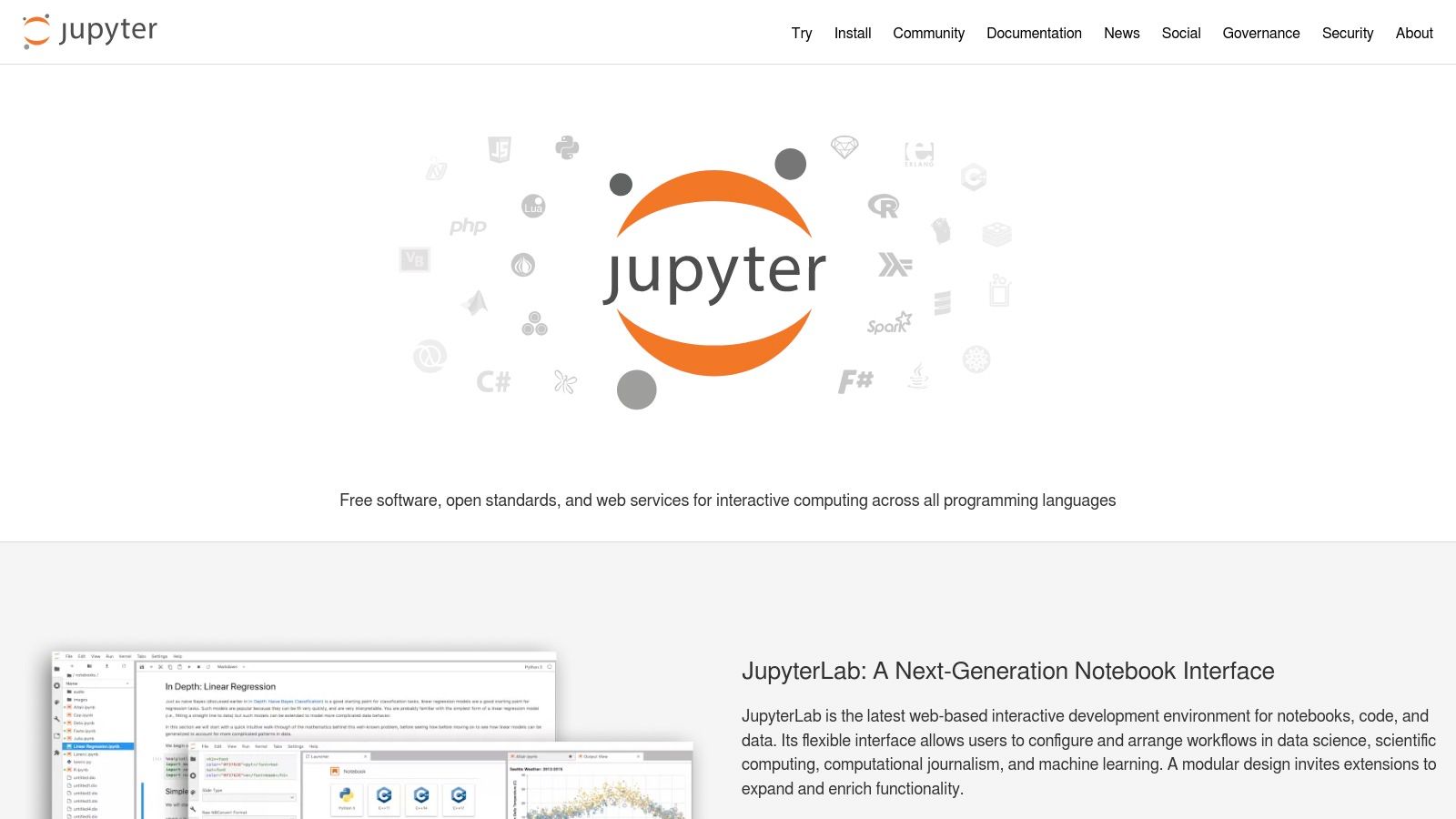
The real power of Jupyter lies in its access to an extensive ecosystem of data science and finance libraries like Pandas, NumPy, and Scikit-learn. These libraries enable sophisticated data manipulation, statistical analysis, and machine learning integration directly within your financial models. This code-first approach ensures that your models are not just calculations but auditable, version-controlled assets that can be easily integrated into larger data workflows—a core principle in modern business intelligence.
Key Considerations & Limitations
While Jupyter is completely free, its primary limitation is the steep learning curve for users without a programming background. It is not a drag-and-drop or grid-based interface; building a model requires writing code. For teams seeking the analytical power of Python without the setup overhead, integrating these reproducible models into a more accessible front-end like Power BI can be a powerful strategy to make insights available to the wider business.
Website: https://jupyter.org/
8. The R Project for Statistical Computing
For those with a background in statistics or programming, R is a powerhouse of quantitative financial modeling that is completely free and open-source. As a language designed for statistical computing, R provides unparalleled capabilities for complex risk modeling, time-series analysis, and econometric forecasting. Its strength lies in its extensive ecosystem of packages available through the Comprehensive R Archive Network (CRAN), such as quantmod for financial data analysis and forecast for advanced forecasting models, making it a premier free financial modeling software for specialized applications.
R truly shines when building probabilistic models or running advanced statistical tests that are cumbersome in traditional spreadsheets. This makes it an ideal choice for businesses that need industrial-strength statistical power without the high cost of proprietary software. For SMBs looking to automate complex financial analysis and integrate it with their BI stack, R scripts can be connected directly to tools like Power BI to visualize sophisticated model outputs, offering a path to highly customized and automated KPI dashboards.
Key Considerations & Limitations
While R offers industrial-strength quantitative tools at no cost, it presents a steep learning curve for those without programming experience. Unlike spreadsheet-based tools, it is not a visual, cell-driven environment; all modeling is done through code. This requires a significant upfront investment in learning the language. It also lacks the real-time, user-friendly collaboration features found in cloud-native platforms like Google Sheets.
Website: https://www.r-project.org/
9. RStudio Desktop (by Posit)
For founders and analysts looking to move beyond traditional spreadsheets, RStudio Desktop provides a powerful, free integrated development environment (IDE) for building sophisticated statistical and predictive financial models in R. It is the go-to tool for analysts and data scientists who need to perform advanced analytics, time-series forecasting, and complex simulations. The IDE streamlines the entire workflow with features like syntax highlighting and an integrated debugger, making the transition from spreadsheet logic to programmatic modeling much smoother.
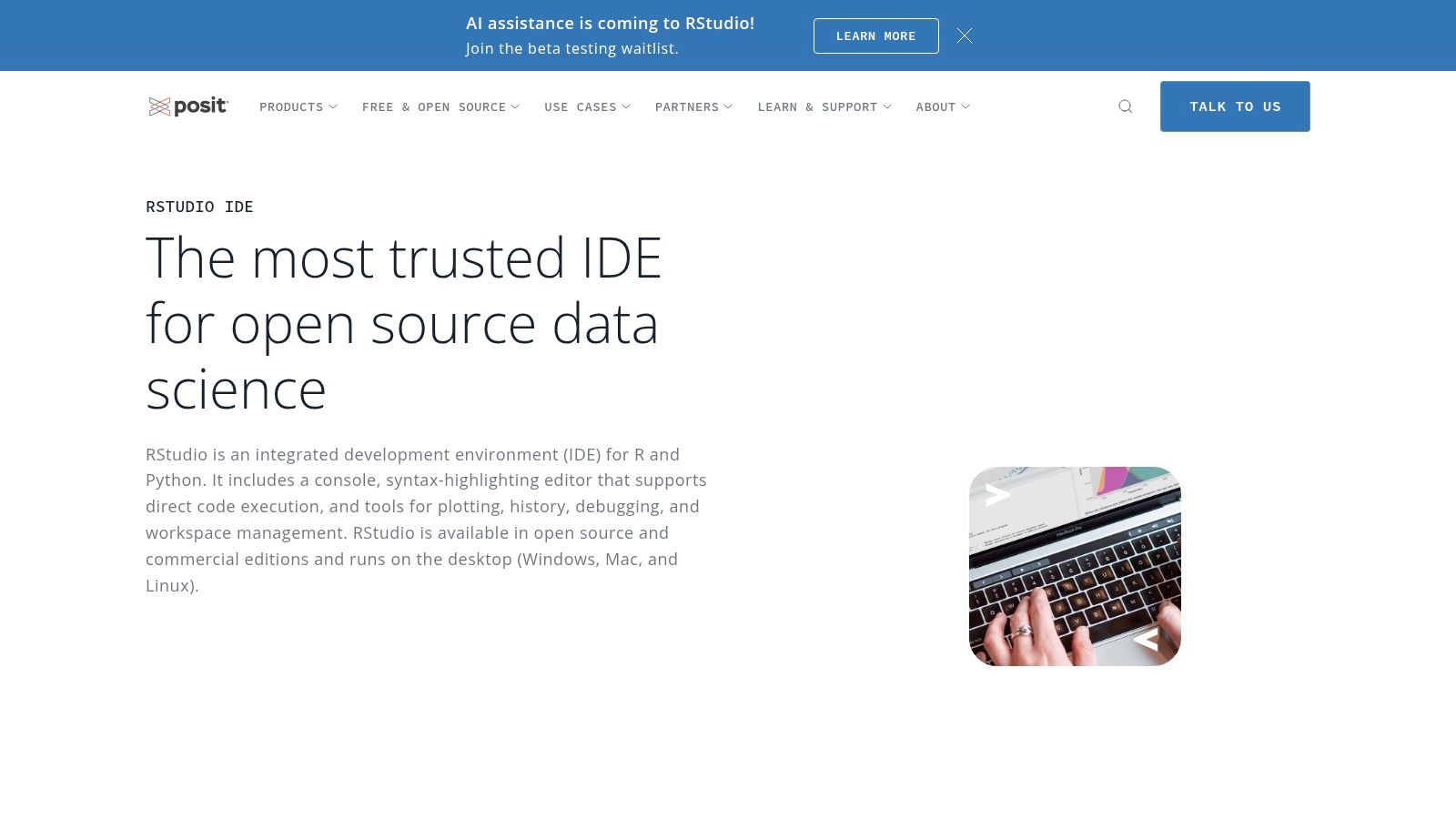
RStudio excels at creating reproducible and automated financial reports using tools like Quarto and R Markdown, allowing you to combine code, analysis, and narrative in one document. This capability is invaluable for building dynamic models that can be easily updated and shared with investors or board members. Its strengths in statistical analysis make it an excellent choice for developing driver-based models or exploring the financial impacts of different business assumptions, a core component of effective scenario analysis in finance.
Key Considerations & Limitations
While the open-source desktop version is completely free, its power is dependent on the user's proficiency with the R programming language, which presents a steeper learning curve than traditional spreadsheet tools. The IDE itself requires a local installation of R to function. Furthermore, advanced enterprise-level features such as collaboration tools, enhanced security, and professional support are reserved for the paid Posit Workbench editions.
Website: https://posit.co/products/open-source/rstudio/
10. Anaconda (Distribution / Cloud)
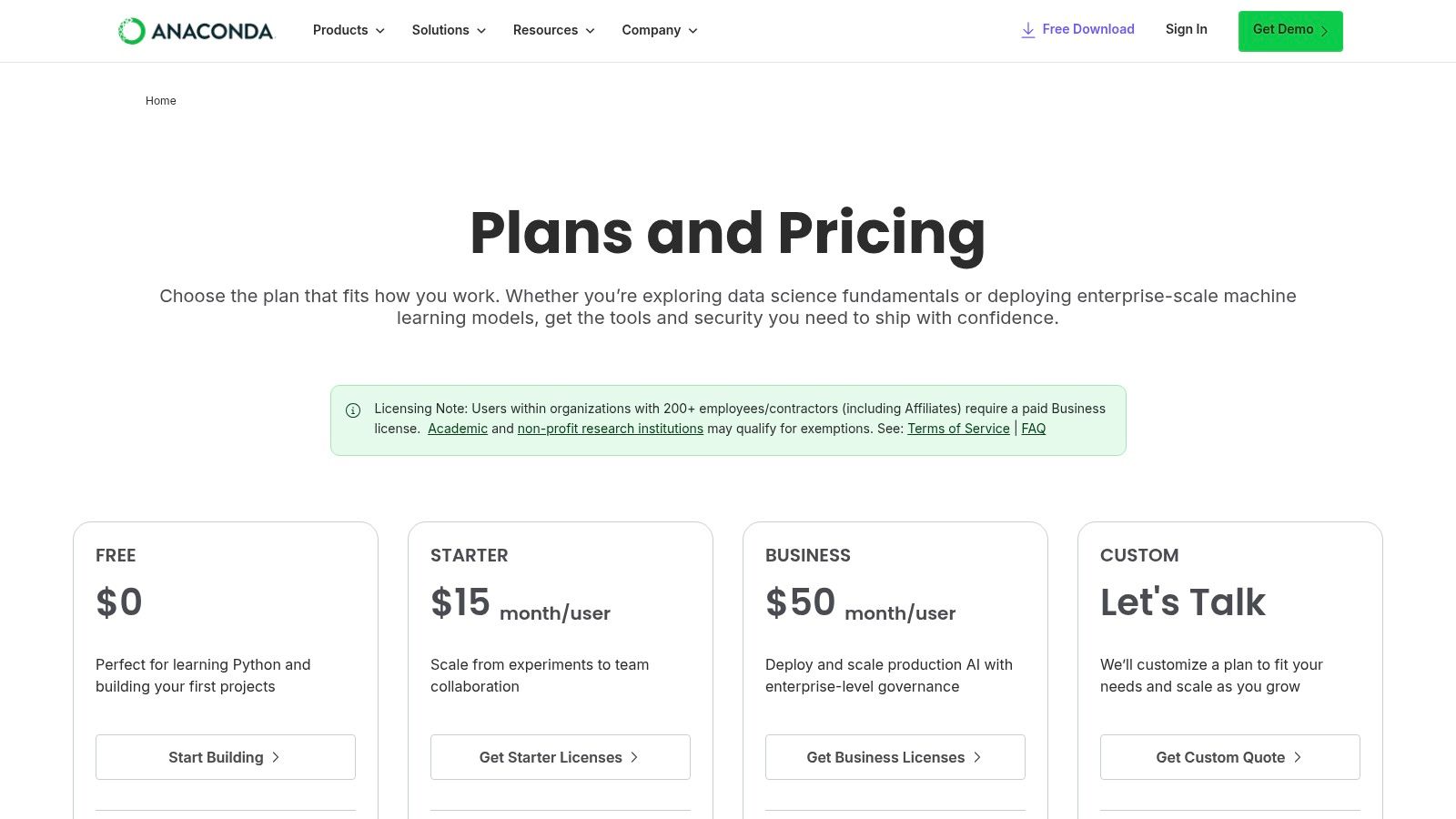
Anaconda offers a powerful gateway into advanced financial modeling by providing a complete data science toolkit for Python and R. The free Individual Edition is an exceptional resource for finance professionals looking to move beyond traditional spreadsheets. It simplifies the setup of a sophisticated analytical environment by bundling core libraries like NumPy, pandas, and scikit-learn, which are essential for building complex valuation, forecasting, and quantitative models without the headache of manual package management. This makes it an ideal free financial modeling software for those exploring programmatic approaches to forecasting or cash flow reporting.
The platform truly shines when used for computationally intensive tasks such as Monte Carlo simulations or machine learning-based forecasting. Anaconda’s managed environments ensure that your models are reproducible and stable, a critical factor for financial analysis. For founders looking to build more dynamic models, understanding how to perform sensitivity analysis with Python's data science libraries can unlock deeper insights into your financial projections and risk assessments.
Key Considerations & Limitations
While Anaconda’s Individual Edition is free for personal use, its commercial use in organizations is restricted, often requiring a paid subscription for teams. This is a crucial licensing distinction for businesses to consider. Additionally, many of the enterprise-grade features, such as advanced security, governance, and collaborative tools, are exclusively available on the paid tiers, which may be necessary for teams operating in regulated environments.
Website: https://www.anaconda.com/pricing
11. GitHub (financial modeling repositories)
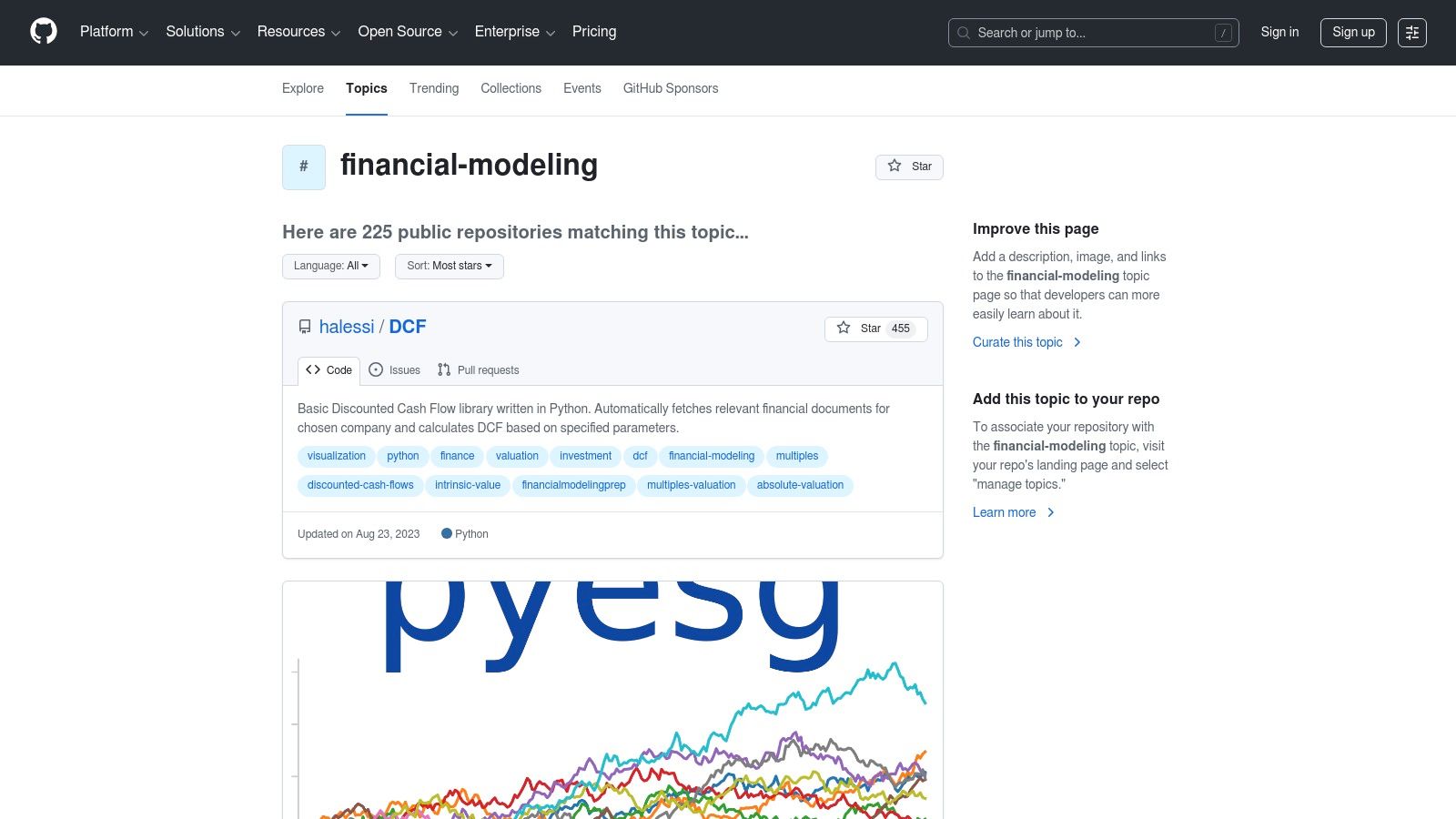
For those comfortable with code-based solutions, GitHub serves as an unparalleled repository for open-source financial modeling projects. Instead of a single application, it offers a vast collection of free tools, templates, and libraries created by a global community. Users can discover and download everything from Python-based discounted cash flow (DCF) models and scenario analysis scripts to complex three-statement model templates. Its core strength lies in transparency and collaboration, allowing you to inspect, modify, and build upon existing, publicly-auditable code instead of starting from a blank sheet.
This makes it an excellent free financial modeling software resource for learning advanced techniques or finding a starting point for a custom build. When working with collaborative financial modeling projects, managing different versions and ensuring data integrity is crucial, and you can learn more from a comprehensive guide to GitHub source control. This helps maintain a clear and auditable history of all changes made to a model, which is essential for team-based projects.
Key Considerations & Limitations
The primary challenge with GitHub is the variability in quality and maintenance. While thousands of models are available, many can be outdated, poorly documented, or designed for niche use cases. Users must have the technical skill to evaluate the code, adapt it to their specific needs, and troubleshoot any issues. It is more of a library for developers and technically-savvy analysts than a plug-and-play solution for non-technical founders.
Website: https://github.com/topics/financial-modeling
12. Damodaran Online (NYU Stern)
Damodaran Online is less a software platform and more an essential, free academic library for any serious financial modeler. Maintained by NYU Stern Professor Aswath Damodaran, the site provides an unparalleled collection of downloadable Excel-based valuation models, tools, and raw data. It serves as a foundational resource for practitioners and students alike, offering high-quality templates for DCF, relative valuation, and real options analysis. The site's strength lies in its academic rigor and transparency, providing the underlying theory and data to support every model.
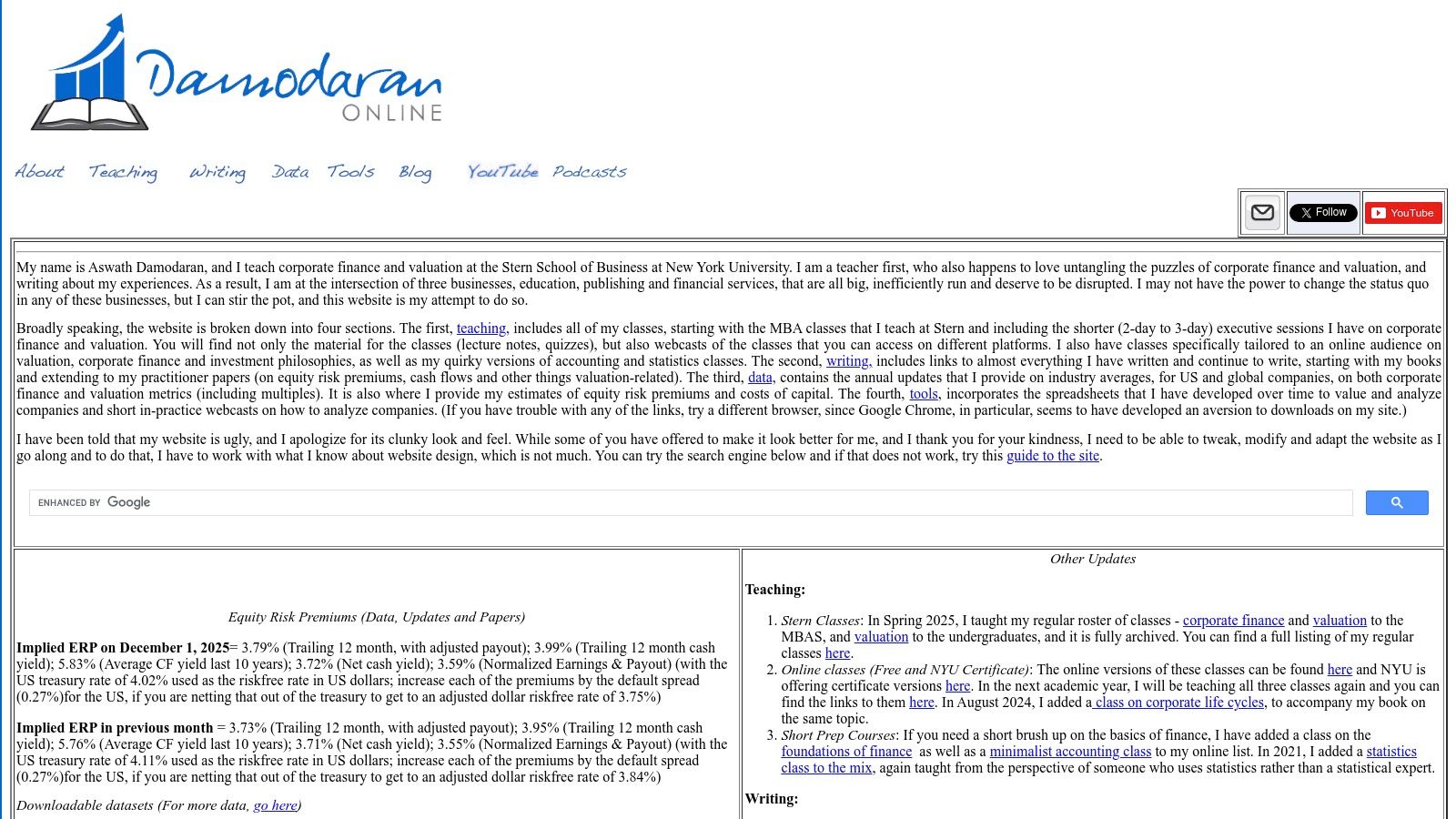
This resource is invaluable for those looking to build their own valuation models from a trusted, academically sound foundation. The annually updated datasets on risk premiums, betas, and industry averages are a goldmine for anyone needing to calibrate their assumptions with market data. While not a dynamic software tool, it's a critical starting point for creating sophisticated, customized models in Excel, making it a key component of any free financial modeling software toolkit.
Key Considerations & Limitations
The primary limitation is that this is not an interactive software application but a repository of templates and data. Founders must possess a strong proficiency in Excel to adapt and utilize the models effectively for their specific company. Furthermore, the models are designed more for academic and valuation purposes rather than comprehensive operational or FP&A modeling, which requires a more dynamic platform like Power BI to integrate real-time operational data.
Website: https://pages.stern.nyu.edu/~adamodar/
Top 12 Free Financial Modeling Resources — Comparison
| Item | Core features ✨ | UX & Quality ★ | Value / Price 💰 | Target audience 👥 | USP / Strengths 🏆 |
|---|---|---|---|---|---|
| Google Sheets | Real‑time cloud sheets, Apps Script, Connected Sheets ✨ | ★★★★☆ — familiar, collaborative | 💰 Free core; Workspace upgrades for AI/BigQuery | 👥 FP&A teams, collaborative finance users | 🏆 Zero‑install collaboration & sharing controls |
| Google Workspace Marketplace (Sheets add‑ons) | One‑click add‑ons, market/FX/CRM connectors ✨ | ★★★☆☆ — vendor dependent | 💰 Mix free/freemium; some paid APIs | 👥 Sheets users needing data connectors | 🏆 Curated Google distribution; easy installs |
| Microsoft AppSource (Excel add‑ins) | Excel add‑ins for desktop/web, enterprise deploy ✨ | ★★★☆☆ — varies by add‑in support | 💰 Free/trial add‑ins; vendor pricing varies | 👥 Excel modelers, enterprise IT teams | 🏆 Trusted channel + enterprise deployment |
| LibreOffice Calc | Offline spreadsheet, Solver & Scenario Manager ✨ | ★★★☆☆ — classic UI, cross‑platform | 💰 Completely free (no license) | 👥 Cost‑sensitive teams; offline users | 🏆 No cost; .xlsx compatibility & offline use |
| Rows | Web‑first spreadsheet, built‑in integrations & embeds ✨ | ★★★☆☆ — user‑friendly web UI | 💰 Free plan; paid for higher limits | 👥 SMBs, product & ops teams | 🏆 Easy integrations & publishable dashboards |
| Grist | Spreadsheet‑DB hybrid, relational tables & permissions ✨ | ★★★☆☆ — structured, different workflow | 💰 Free SaaS tier; self‑host option | 👥 Teams needing auditability & relations | 🏆 Relational modeling + self‑host control |
| Project Jupyter (JupyterLab/Notebooks) | Interactive notebooks, multi‑language kernels ✨ | ★★★★☆ — powerful, reproducible | 💰 Free/open‑source | 👥 Data scientists, quants, analysts | 🏆 Reproducible code+docs; extensive libs |
| The R Project | Statistical language, time‑series & finance CRAN ✨ | ★★★★☆ — mature stats ecosystem | 💰 Free; massive package ecosystem | 👥 Statisticians, forecasting analysts | 🏆 Industrial‑strength stats & forecasting |
| RStudio Desktop (Posit) | IDE for R/Python, Quarto & reporting workflows ✨ | ★★★★☆ — productivity & debugging tools | 💰 Free desktop; Pro editions paid | 👥 R analysts, teams scaling analytics | 🏆 Best‑in‑class tooling for R workflows |
| Anaconda (Distribution / Cloud) | Managed Python/R envs, cloud notebooks & libs ✨ | ★★★★☆ — simplifies env & packages | 💰 Free individual; paid org plans | 👥 Data science teams, cross‑platform users | 🏆 Easiest path to full modeling stack |
| GitHub (financial modeling repos) | Repo hosting, templates, issues & forks ✨ | ★★★☆☆ — quality varies by repo | 💰 Free public repos; paid org features | 👥 Developers & modelers seeking templates | 🏆 Massive open library & version history |
| Damodaran Online (NYU Stern) | Downloadable Excel valuation models & datasets ✨ | ★★★★☆ — academically robust templates | 💰 Free resources | 👥 Finance students & valuation practitioners | 🏆 Trusted, practitioner‑grade valuation templates |
Ready to Automate Your Financial Reporting and Trust Your Data?
Navigating the landscape of free financial modeling software reveals a powerful truth: the tools available today offer unprecedented access to analytical power. For SMB operators and founders, this means you can move beyond static, error-prone spreadsheets without a massive budget. We’ve explored how collaborative tools like Google Sheets can align teams, how programming environments like R and Python can build sophisticated forecasting models, and how resources like Damodaran Online offer foundational wisdom.
However, the real challenge for most growing businesses isn't a lack of tools; it's the fragmentation of data. Your most critical financial and operational insights are likely scattered across your accounting software, CRM, and various other platforms. Relying on manual CSV exports and copy-pasting data into even the most advanced free model is a temporary fix, not a scalable strategy. This manual process is time-consuming, introduces a high risk of error, and keeps your financial reporting perpetually looking in the rearview mirror.
From Static Models to a Dynamic Reporting Engine
The ultimate goal is to build a system where your financial models are not just static documents but living, breathing components of your business intelligence stack. This is where the true transformation happens. The key is to create an automated data pipeline that feeds a central, dynamic model, allowing for real-time updates and robust scenario analysis.
To achieve this, consider the following strategic steps:
- Identify Your Single Source of Truth: Before selecting a tool, map out where your critical data resides. Is it in Xero? HubSpot? A proprietary database? The first step is acknowledging these silos.
- Prioritise Integration Capabilities: When reviewing free tools, pay close attention to their ability to connect to other data sources. Tools like Rows excel here, but for a truly robust solution, a dedicated BI platform is often required.
- Embrace a BI-Centric Approach: Instead of pulling data into a spreadsheet, think about pushing data from all your sources into a business intelligence platform like Power BI. This allows you to build a robust, driver-based financial model that connects directly to your data, ensuring your KPI dashboards and cash flow reporting are always accurate and up-to-date.
This shift in thinking moves you from reactive report-building to proactive, insight-led decision-making. You stop spending your time wrangling data and start spending it analyzing trends, planning scenarios, and steering your business toward its goals with confidence.
While the free financial modeling software discussed here provides a fantastic starting point, integrating them into a cohesive, automated reporting engine is what truly unlocks their value. At Vizule, we specialize in connecting the dots in your data, transforming siloed information into dynamic financial dashboards in Power BI that give you a clear, real-time view of your business performance. If you're ready to graduate from manual spreadsheet chaos to a fully automated and trustworthy financial reporting system, book your free BI consultation today.


