


Think about the last annual budget you built. You probably spent weeks, maybe even months, pulling data from messy spreadsheets, meeting with department heads, and meticulously crafting a financial roadmap for the next year. Then, within a few months—or maybe just a few weeks—it was already collecting dust.
A surprise market shift, a new competitor, or an unexpected snag in your supply chain can make your carefully planned Excel model instantly irrelevant.
It’s a common frustration for founders and operators. You end up making reactive decisions based on old information, constantly fighting fires instead of charting a clear path forward. This is the "Excel chaos" that keeps so many businesses from scaling smart.
Tired of Your Annual Budget Being Instantly Outdated?
A static annual budget is like using a printed map for a road trip. It was a great starting point, but it can’t tell you about the unexpected traffic jam or that brand-new shortcut that just opened up. You’re left guessing, stuck with a plan that no longer reflects reality.
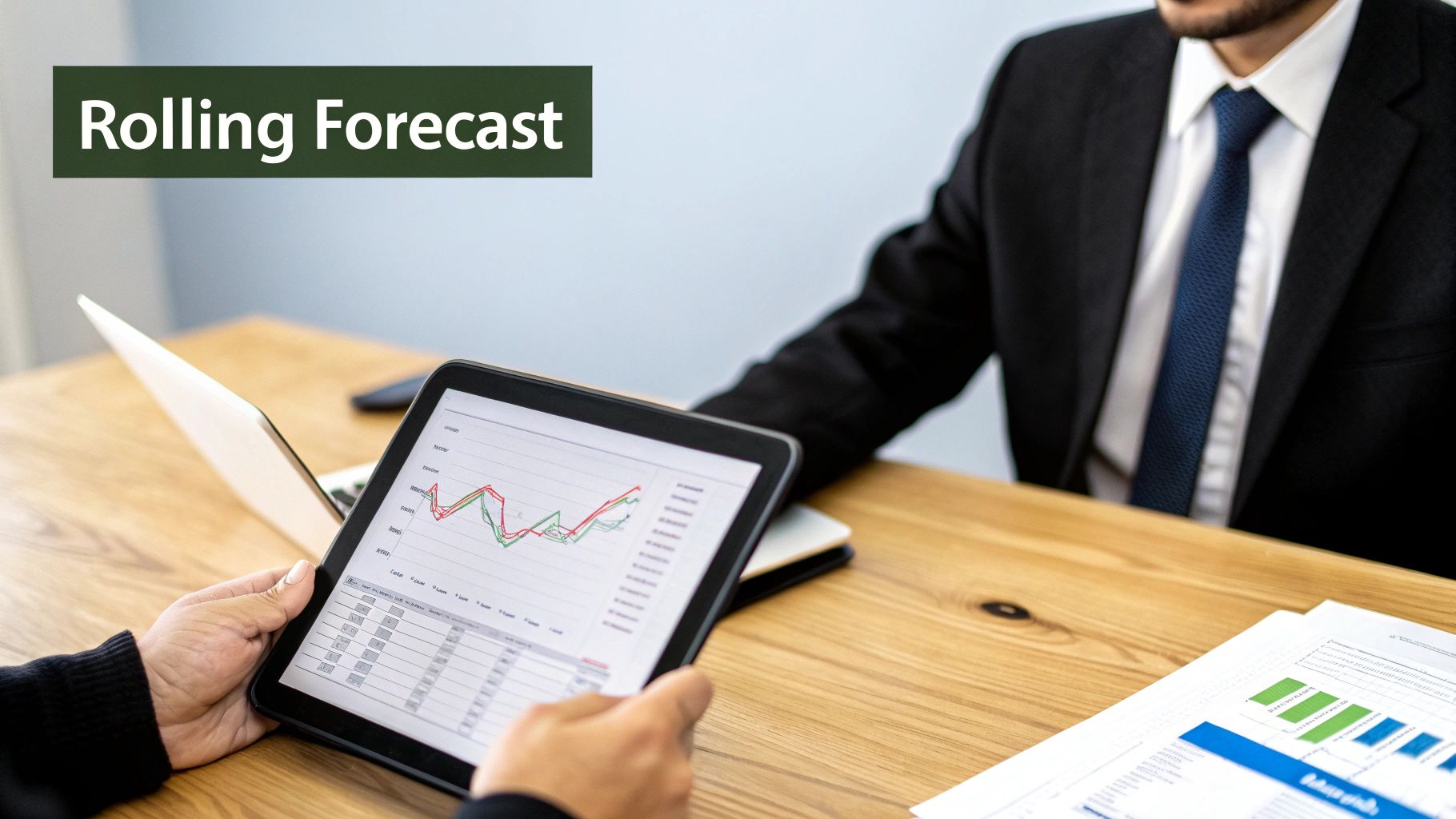
This is exactly where a rolling forecast completely changes the game. It’s your business’s real-time financial GPS.
Instead of a fixed, 12-month plan that gets locked in, a rolling forecast is a living, dynamic model. It constantly looks forward—typically over a 12- or 18-month horizon—by adding a new period (like a month or a quarter) as the most recent one closes.
For example, once January’s actual numbers are in the books, you don't just move on to February. You drop the now-historic January from the forecast and add the next January to the end of your horizon. This way, you always have a clear, updated 12-month view of what’s ahead. This agile approach, as highlighted by the experts at Cashflow Frog, is built for the dynamic nature of modern business.
This shift from a static document to a dynamic process is what moves you from reactive fire-fighting to proactive, insight-led decision-making.
The Shift to Proactive, Forward-Looking Management
For a growing business, the advantages are massive. You’re no longer managing from the rearview mirror. Instead, you get:
- Always-On Relevance: Your financial outlook is never stale. It continuously incorporates the latest performance data and market conditions, giving you a true picture of where you stand.
- Unmatched Agility: With an up-to-date forecast, you can spot opportunities and threats much faster. This lets you pivot your strategy, reallocate resources, and make smarter decisions on the fly.
- Dramatically Improved Accuracy: By frequently folding actual results into your projections, your forecasts become more reliable and grounded in what's really happening.
- Insight-Led Decision-Making: It stops the chaos of managing from a spreadsheet that's out of sync with reality and gives you the clarity needed to scale with confidence.
Rolling Forecast vs. Static Annual Budget At a Glance
To put it simply, these two approaches serve very different purposes. The table below breaks down the core differences to help you see why so many agile businesses are making the switch.
| Feature | Rolling Forecast | Static Annual Budget |
|---|---|---|
| Time Horizon | Dynamic, continuous (e.g., 12-18 months) | Fixed, typically 12 months, set once a year |
| Agility | High; adapts to changing conditions in real-time | Low; becomes outdated quickly, hard to adjust |
| Focus | Forward-looking, strategic planning & operations | Backward-looking, variance analysis & control |
| Decision-Making | Proactive; based on current and future trends | Reactive; based on historical performance |
| Relevance | Consistently high and up-to-date | Diminishes rapidly after creation |
| Resource Allocation | Flexible; resources can be shifted as needed | Rigid; allocations are locked in for the year |
Ultimately, while the annual budget can still serve as a baseline or a high-level target-setting tool, the rolling forecast is the operational powerhouse. It gives you the real-time financial intelligence you need to navigate uncertainty and drive growth effectively.
Why Static Budgets Are Holding Your Business Back
For many founders, the annual budgeting process feels like a painful chore. You sink countless hours into a detailed financial plan, only to watch it become irrelevant almost as soon as it's finished. A sudden market shift, a new competitor, or an unexpected supply chain snag can make your carefully built model obsolete.
This isn't just a minor headache; it's a real business risk. When your budget is a relic, you're flying blind, forced to make reactive, gut-feel decisions. You're working from a static document while your business is anything but.
This rigidity often creates a toxic internal culture. Departments hoard their allocated funds instead of collaborating toward shared goals. The budget stops being a strategic guide and turns into a tool for control, leading to wasted resources and missed opportunities. It's the classic case of Excel chaos breeding siloed, defensive thinking.
A Real-World Scenario: The E-commerce Startup
Imagine you run a growing e-commerce business. You’ve set aside a big chunk of your annual budget for a six-month marketing campaign, based on last year's performance data. Three months in, a well-funded competitor launches a game-changing product with aggressive pricing.
Suddenly, your target cost-per-acquisition (CAC) goes through the roof. Your marketing spend is no longer effective, but your budget is locked in. The cash earmarked for that campaign is stuck, while other areas—like product development or customer retention—are starved for the very resources that could help you fight back.
By the time the next annual budget cycle comes around, the market has moved on, and you've spent months operating with a flawed strategy. This is the core problem with static plans: they assume a level of predictability that simply doesn’t exist for most SMBs.
This scenario highlights a critical weakness. Clinging to an outdated budget isn't just inefficient; it actively prevents you from adapting to the market dynamics that will decide your success. This inability to pivot quickly means you’re always playing catch-up.
This is exactly the pain point a rolling forecast is built to solve. It swaps out that old-school rigidity for modern agility, allowing your financial plan to breathe and evolve right alongside your business.
Unlocking Agility with a Rolling Forecast
Let's be honest, the traditional annual budget often feels like a relic. It’s a static document that's usually outdated a few months after it’s finalized. The first real step toward genuine business agility is leaving that rigidity behind.
When you adopt a rolling forecast, you’re swapping that static snapshot for a dynamic, forward-looking financial model—one that actually evolves with your business. This isn’t just a minor process tweak; it’s a strategic shift that arms you with the insight to make smarter, more confident decisions.
Instead of waiting for a year-end review to figure out what went wrong, a rolling forecast gives you a continuous 12- or 18-month view of the road ahead. This constant visibility means you can spot trends, manage risks proactively, and jump on opportunities as they arise, not months later.
Improve Accuracy and Allocate Resources Smarter
One of the first things you'll notice is a huge improvement in forecast accuracy. Why? Because the model is constantly being fed with actual performance data. Your projections become more reliable and deeply grounded in what's actually happening on the ground.
This precision directly impacts how you manage your most critical resources—cash flow, inventory, and people.
Suddenly, you can confidently decide when to hire, figure out how much inventory to order, or know if you have the cash reserves to invest in a new marketing channel. Your decisions are no longer based on assumptions you made six months ago, but on the most current data you have.
The industry is catching on. Recent reports show companies using rolling forecasts see a 20-30% improvement in forecast accuracy. Even better, they can slash the time spent on forecast maintenance by up to 25%. This frees up your finance team to focus on strategic analysis instead of getting bogged down in manual data entry. You can read more about these forecasting benefits and trends to get the full picture.
With a rolling forecast, you’re not just predicting the future; you're actively shaping it. It provides the financial clarity needed to align your operations with your strategic goals, ensuring every dollar and every hour is invested where it will have the greatest impact.
Proactively Manage Risk and Scale Intelligently
For any growing SMB or startup, managing risk is everything. A rolling forecast acts as your financial early warning system. By continuously modelling different scenarios with real-time data, you can spot potential cash flow shortages or market downturns long before they become a crisis.
This proactive stance is the key to scaling intelligently. It gives you the stable financial foundation and operational visibility you need to grow without falling into the common traps of over-extending or misaligning resources.
Ultimately, a rolling forecast is more than just a report. It's the engine for sustainable growth, giving you the control and insight to navigate uncertainty with real confidence.
How to Implement Your First Rolling Forecast
Making the jump from a static annual budget to a rolling forecast feels like a huge undertaking, but it’s far more manageable than you might think. You don't need a massive finance team. The key is to demystify the process and break it down into a few practical, operator-focused steps.
This isn’t about chasing perfection from day one. It’s about building a simple, effective model that gives you immediate value and can be refined over time. Think of it as installing a real-time GPS in your business—one that helps you navigate confidently, even when the road ahead is full of surprises.
1. Define Your Forecast Framework
First, you need to set the basic rules of the road for your forecast. This comes down to two key decisions: your forecast horizon and how often you'll update it.
For most SMBs, a 12- to 18-month rolling forecast updated monthly is the gold standard. This setup strikes the perfect balance between keeping a strategic, long-term view and staying agile enough to react to what’s happening right now. A monthly refresh ensures your data is always current without burning out your team.
2. Identify Your Key Business Drivers
Next, fight the urge to forecast every single line item on your P&L. This is a classic mistake that creates ridiculously complex models and leads straight to analysis paralysis. Instead, zoom in on the 5-10 key business drivers that actually move the needle on your financial results.
This approach, known as driver-based planning, is the engine of any good rolling forecast. If you're a SaaS business, your drivers might be new MRR, churn rate, and customer acquisition cost. For an e-commerce company, it could be website traffic, conversion rate, and average order value. Focusing on these core metrics keeps your model simple and actionable. You can learn more about how driver-based planning improves financial outcomes and why it's a cornerstone of modern forecasting.
This infographic breaks down how a well-structured rolling forecast unlocks true agility by improving accuracy, optimising how you use resources, and cutting down on risk.
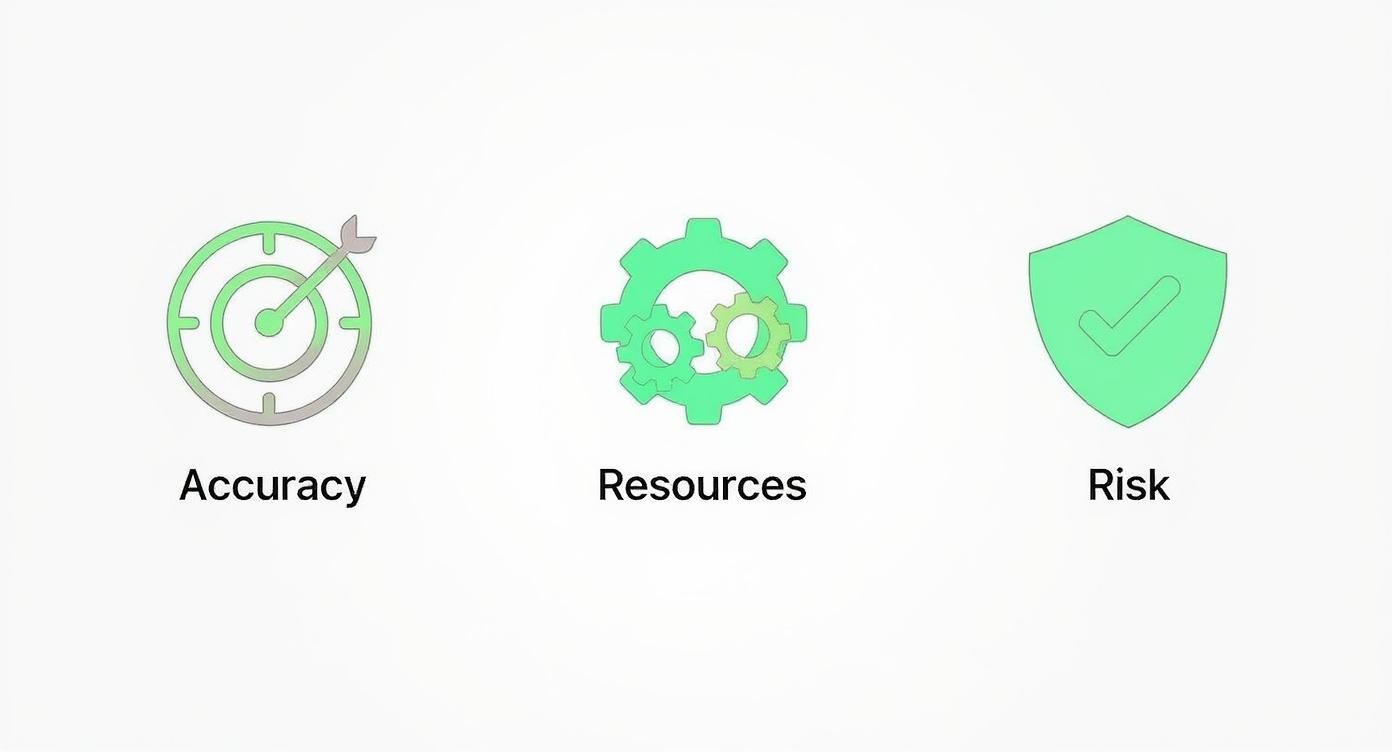
By zeroing in on what truly matters, you create a forecasting process that’s both powerful and sustainable for your team.
3. Gather Essential Data
Once you’ve locked in your drivers, it’s time to gather the data. This is where you connect the dots between finance and the rest of the business. You'll need your actuals from an accounting system (like Xero or QuickBooks) and operational data from places like your CRM or e-commerce platform.
Heads up: this step often shines a bright light on the pain of siloed data and manual reporting, making it obvious why an integrated data stack is so critical.
4. Choose the Right Tools
Finally, it’s time to graduate from fragile, error-prone spreadsheets. While Excel can get you started, it quickly becomes a bottleneck. Modern business intelligence (BI) tools like Power BI are built to automate this entire process.
By connecting directly to your different data sources, a Power BI model can automatically pull in actuals, update your rolling forecast, and serve up the information in a dynamic, easy-to-read dashboard. This kills off manual work and ensures you always have a single source of truth.
Ready to leave the Excel chaos behind and build a forecasting model you can actually trust? Book your free BI consultation, and our experts will help you design and automate a rolling forecast that’s a perfect fit for your business.
Automating Your Forecast with Power BI
Let’s be honest: managing a forecast in Excel is a nightmare. You’re constantly battling manual updates, version control chaos, and broken formulas. That process isn't just tedious; it's unsustainable as you scale.
This is where a tool like Power BI changes the game. It connects directly to your source systems—your accounting software, CRM, and other data silos—and automates the entire refresh process. No more exporting CSVs or copy-pasting numbers.
- Direct Data Connections: Power BI pulls real-time sales and expense data straight from systems like Xero, QuickBooks, or your ERP.
- Automated Refresh: Schedule daily or even hourly updates, ensuring your forecast is never out of date.
- Single Source of Truth: One dynamic dashboard replaces the dozens of conflicting Excel files floating around in emails.
Excel vs. Power BI for Forecasting
The difference becomes crystal clear when you put them side-by-side.
| Feature | Excel | Power BI |
|---|---|---|
| Data Refresh | Manual, time-consuming, and error-prone | Automated and scheduled |
| Version Control | Multiple conflicting files ("Final_v2_FINAL") | A single, centralised source of truth |
| Visualisation | Static, hard-to-update charts | Interactive, drill-down dashboards |
Static spreadsheets weren't built to be modern forecasting engines. Power BI, on the other hand, gives you automation, clarity, and interactive visuals all in one place.
Connecting Your Data Sources
With Power BI's built-in connectors, you can finally say goodbye to manual data wrangling. The process is straightforward:
- Link Finance Systems: Authenticate your accounting platform to pull in actual revenue and costs automatically.
- Integrate CRM: Connect to tools like Salesforce to project customer acquisition, pipeline, and churn.
- Blend Operational Data: Pull in inventory levels, marketing spend, or resource metrics to create a truly comprehensive forecast.
"Automated data pipelines reduce forecasting errors by up to 25%," according to industry studies.
This connection to live data is what turns the concept of a rolling forecast into a dynamic, automated reality. Your forecast is always grounded in what's happening right now.
Here's a glimpse of what a forecast visual can look like in Power BI.
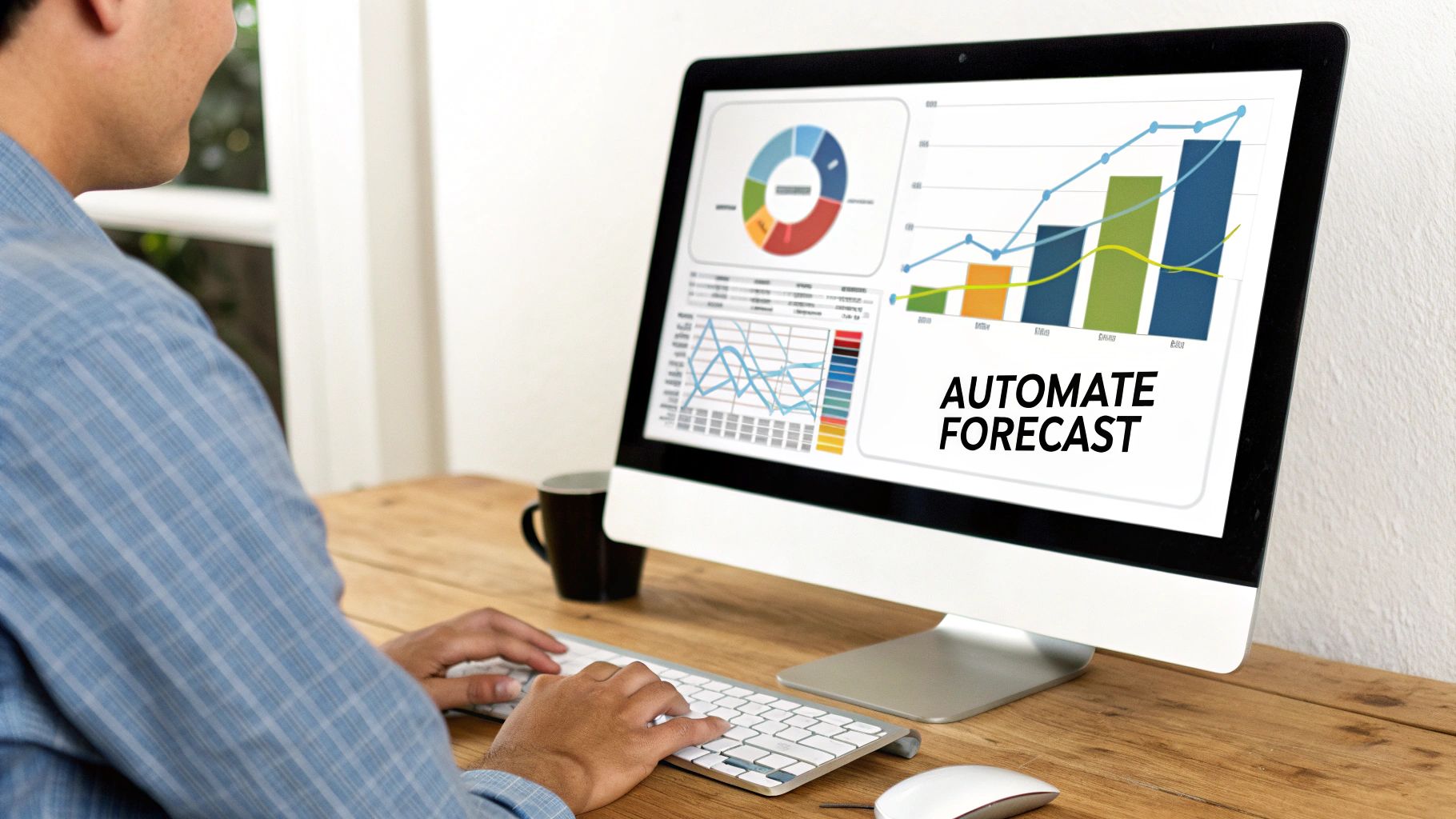
This kind of visualisation makes it incredibly easy to spot deviations and drill down into the underlying drivers, all without writing a single formula.
Building Interactive Dashboards
Once your data sources are connected, you can build a dashboard that updates on demand and lets you slice and dice the numbers however you want.
- Forecast vs. Actual: Create interactive charts that let you compare projections against real results in seconds.
- Scenario Analysis: Model out best-case and worst-case scenarios with a simple dropdown menu.
- Driver-Based Metrics: Keep a close eye on the key performance indicators that truly move the needle, like customer acquisition cost or burn rate.
A great tip is to use drillthrough filters. They let you click on a number and instantly see the detailed breakdown behind it, helping you spot the root cause of a variance in seconds.
Embrace automation and gain back hours each week that were once lost to manual forecasting.
To see how Power BI fits into a broader strategy, check out our guide on Business Intelligence for Finance.
Want to see how Vizule can help automate your reporting stack? Book a free BI consultation, and we’ll show you how an automated rolling forecast can completely change your planning process.
Build Your Forward-Looking Financial Model
Static budgets have a fundamental flaw: they lock you into an outdated plan the moment market conditions shift. It's like trying to navigate a new city with a map printed last year. A rolling forecast is the answer. Adopting one breaks this cycle and keeps your projections continuously fresh.
Think of it as switching from that old paper map to a live GPS. Every month or quarter, it updates your financial path based on what's actually happening, then adds a new period to the end of your forecast. This simple, forward-looking view pulls you out of the chaos of constantly looking in the rearview mirror.
To really get this right, you first need a crystal-clear picture of your current performance. That's where detailed management accounts come in. For a deep dive into the nuts and bolts, check out our guide on how to build financial models.
With up-to-date forecasts, decision-making becomes proactive instead of reactive.
So, what are the real-world benefits?
- Agility: You can pivot on a dime, adapting to new opportunities or threats as they pop up.
- Accuracy: By constantly integrating actual results, your forecasts get sharper and more reliable over time.
- Resource Optimisation: Dynamic scenario analysis helps you put your money and people where they'll have the biggest impact.
Next Steps For Your Business
Getting started is more straightforward than you might think. Here’s a simple path forward:
- Schedule a free discovery call with Vizule so we can audit your current reporting process.
- We'll help you map your critical business drivers and connect your siloed data sources.
- Finally, we'll build your automated rolling forecast in Power BI, giving you live, interactive dashboards you can trust.
Looking for more context on performance tracking? A solid understanding of your current financial health through detailed management accounts for business performance provides the essential foundation you need to build powerful forecasts.
This isn't just about switching software—it's about leaving the chaos of Excel spreadsheets behind for good. Connect with us to design your financial dashboard in Power BI and start scaling your business with confidence.
Rolling Forecasts: Your Questions Answered
Making the switch to a rolling forecast might feel like a huge leap, but it's a move many businesses are making to get a firmer grip on their future. If you're a founder or operator weighing this change, you probably have questions. We've compiled some of the most common ones we hear to clear things up.
How Is a Rolling Forecast Different from a Re-Forecast?
This is a common question, and the distinction is crucial. A re-forecast is usually a one-off reaction. It’s what happens when you’re a few months into the year, look at your annual budget, and realize the numbers are completely off. It's a reactive patch-up job on a plan that's already broken.
A rolling forecast, on the other hand, is a proactive, ongoing process. It’s not about fixing a bad quarter; it’s a fundamental shift in how you plan. Instead of a fixed annual view, you're always looking out over a consistent time horizon (say, 12 months). It’s about building financial agility into your company's DNA from the start, not just fixing a flat tire after you've hit a pothole.
How Long Should Our Forecast Period Be?
There’s no single right answer here—it really comes down to your business model and how quickly your industry moves. For most small and medium-sized businesses, a 12-month rolling forecast, updated every month, hits the sweet spot. It gives you enough strategic foresight without getting lost in guesswork.
That said, some businesses need a wider lens:
- Seasonal Businesses: An 18-month horizon is often a game-changer. It allows you to plan through an entire season and already have a clear view of the next one, which is incredibly powerful for inventory and staffing.
- Project-Based Companies: If you're working on long-term projects with significant capital needs, a 24-month view can be essential for aligning your finances with those extended timelines.
Do We Still Need an Annual Budget?
Absolutely, but its role changes. Think of the annual budget as your North Star. It’s the high-level document that sets your strategic ambitions and financial targets for the year. It’s you planting a flag in the ground and saying, "This is where we want to go."
The rolling forecast then becomes your operational GPS. It's the dynamic, tactical tool you use month by month to actually navigate toward those big goals, adjusting your route based on real-time traffic and conditions. The two work in tandem: the budget tells you what you want to achieve, and the rolling forecast shows you how you're going to get there. For more perspectives, you might also find this general FAQ section on financial planning useful.
Getting better at forecasting is a journey, not a destination. To dive deeper into refining your approach, check out our guide on how to improve forecast accuracy.
